
SDHR Return-to-Work Dashboard
Product: Return to Work Sub-Portal
Industry: Fintech / Enterprise Admin Systems
My Role: Product Designer
Scope: Employee flow + HR Admin dashboard
Focus: Process design, compliance, automation, experience clarity
Returning from parental leave is a sensitive and complex moment for employees. At the same time, in fintech and enterprise environments, HR processes must be compliant, trackable, and audit-ready.
The goal of this project was to design a structured digital workflow that supports parents coming back to work while giving HR teams full visibility and control.
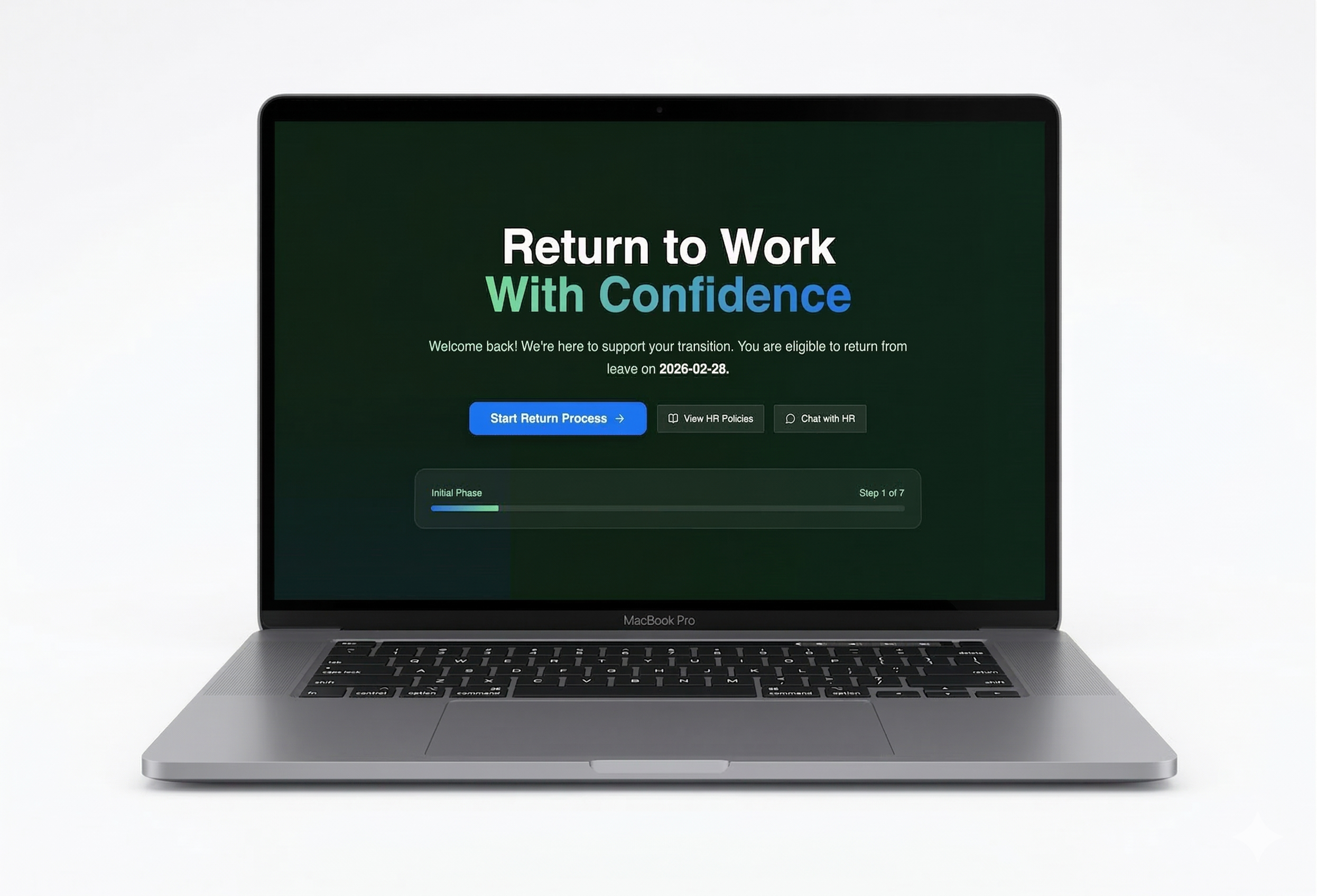
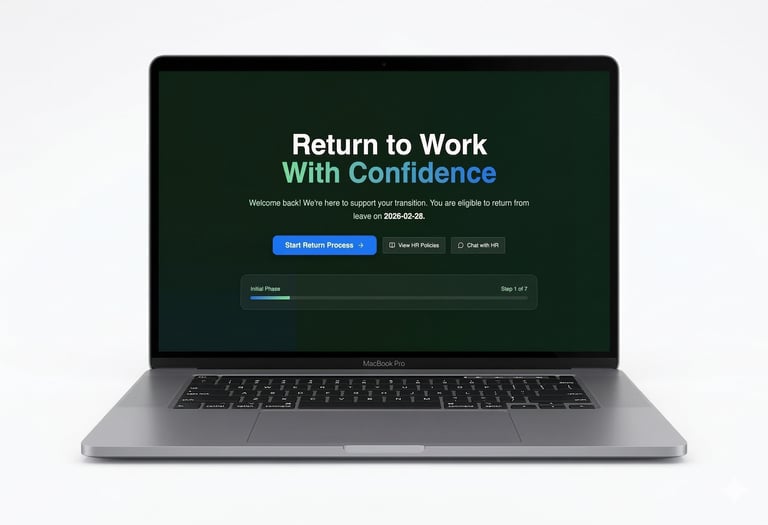
Instead of treating return from leave as a simple status change, we designed it as a multi-step, guided journey integrated into an SDHR dashboard.
Overview
Problem description
Before this solution:
Return requests were handled via emails and PDF forms
HR manually tracked deadlines
Managers were informed late
Employees were unsure what to do next
In regulated industries, this creates:
Compliance risks
Data gaps
Operational delays
Poor employee experience
The system lacked transparency and process structure.
The Challenge
To design a single, auditable SDHR workflow that works at scale, integrates with admin dashboards, and remains human-centered.
The Objective
Design a Return to Work Sub-Portal that:
Guides employees step by step
Automates eligibility and deadlines
Provides real-time progress tracking
Integrates with the HR admin dashboard
Reduces manual HR work
The solution needed to be scalable, structured, and compliant.
Iteration 1 — Visibility First
Problem
Employees didn’t know:
When they were eligible to return
What actions were required
How long the process would take
HR also lacked a clear overview of upcoming returns.
Solution
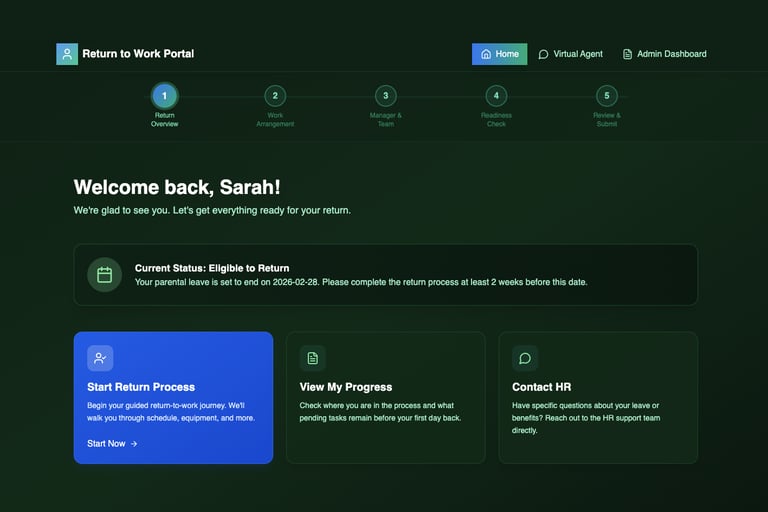
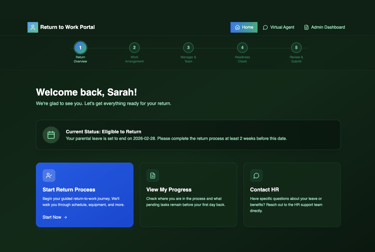
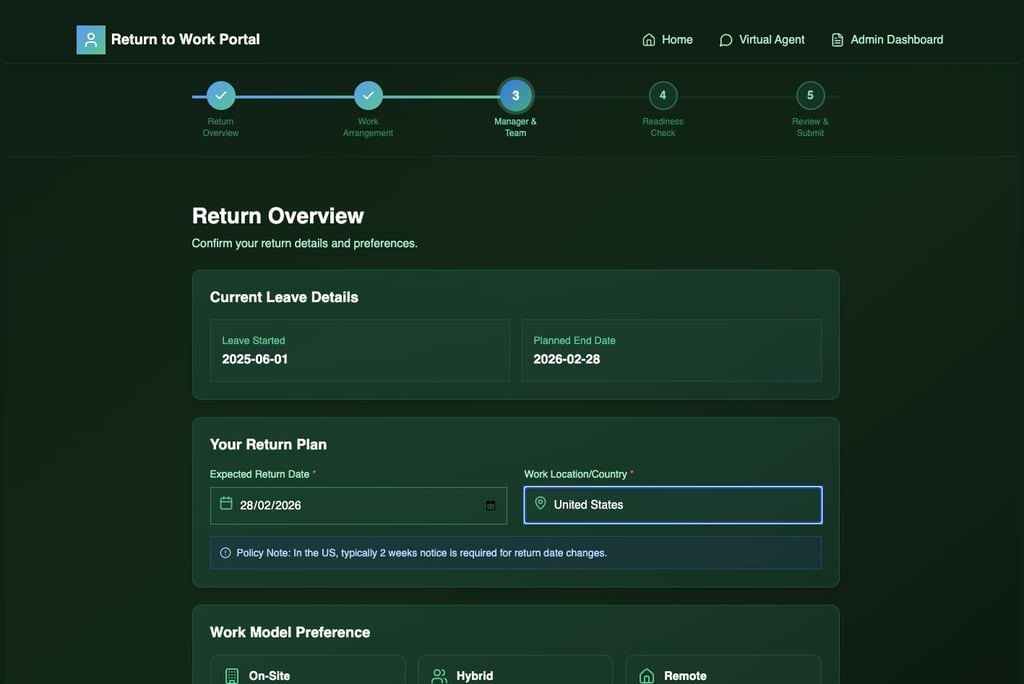
I designed a dashboard entry screen that shows:
Return eligibility status
Official return date
Clear call to action
Progress indicator (step-based process)
This created:
Transparency
Predictable structure
Shared source of truth
This iteration focused on clarity and system states, not complex interaction.
Iteration 2 — Guided Workflow
Problem
Eligibility information was not enough. Employees needed guidance.
Solution
I created a structured multi-step flow:
Return Overview
Work Arrangement
Manager & Team
Readiness Check
Review & Submit
Each step:
Collects structured data
Updates the dashboard in real time
Creates trackable system checkpoints
For employees:
The process feels manageable
Progress is visible
The journey has a clear end
For HR admins:
All returns are visible in one dashboard
No need to chase forms
Process status is transparent
Iteration 3 — Adding a Virtual Agent
Problem
Not every employee is ready to return immediately. Some need clarification.
My theory was that an employee need an AI agent to clarify this process to them.
Solution
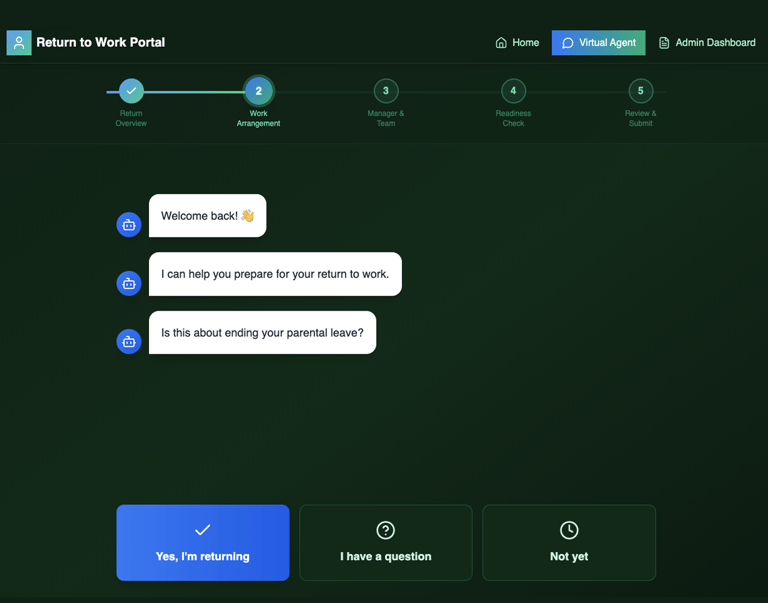
I added a virtual agent interaction layer.
Instead of forcing a form, the system asks:
“Are you returning?”
“Do you have a question?”
“Not yet?”
This simple interaction:
Captures early intent
Reduces HR inbox traffic
Generates forecasting signals
Improves workforce planning
This step made the system proactive.
Testing
I tested this solution with a small group of 8 users.
Result
The feedback was consistent:
The virtual agent felt unnecessary for such a simple decision
Users preferred direct actions instead of conversation
The interaction added friction instead of support
Some users described it as annoying or slowing them down
Instead of helping, the agent created an extra step in a moment where users expected speed and clarity.
Conclusion
I decided not to implement the virtual agent in this part of the flow.
Key learnings:
Not every problem needs AI or conversational UX
For simple, high-confidence decisions, direct UI is more effective than dialogue
Over-designing can reduce usability, even with good intentions
AI should be used where complexity is high — not where actions are obvious
Iteration 4 — Admin Dashboard Integration
Problem
Not every employee is ready to return immediately. Some need clarification. Silence from employees creates uncertainty for HR planning.
Solution
I added a virtual agent interaction layer.
Instead of forcing a form, the system asks:
“Are you returning?”
“Do you have a question?”
“Not yet?”
This simple interaction:
Captures early intent
Reduces HR inbox traffic
Generates forecasting signals
Improves workforce planning
This step made the system proactive, not reactive.
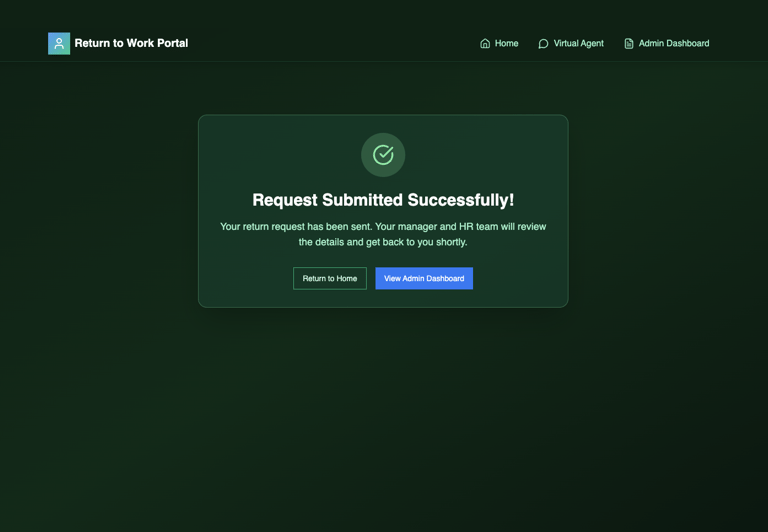
Final Version without Virtual Agent
What I Learned
Enterprise UX must balance empathy and system logic
Admin dashboards require different thinking than user-facing flows
Process design is as important as visual design
Even regulated systems can feel human